A professional wedding photography workspace
From the first import to the private gallery, SaathiDesk keeps the work clear and the photographs central.
The wedding is a story. Your workspace should know the plot.
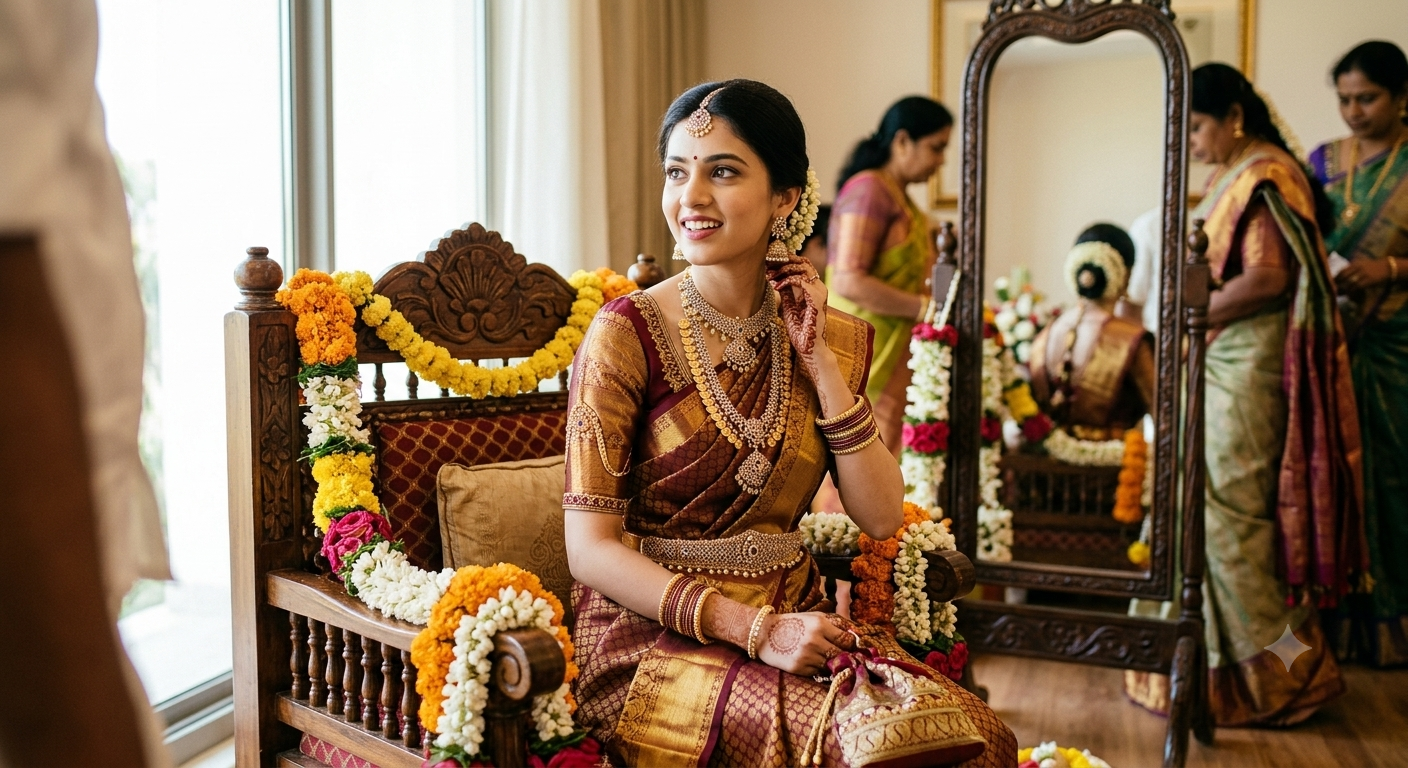
From card to client
A working rhythm that follows the wedding.
Begin with the relationship, keep the day in chapters, and bring every original into one considered workspace.
Start with the client
One client space. Every album in context.
Give each customer a dedicated place for their work, then organize a wedding into albums and named events—from portraits to the final reception.
Mirror the day
Keep every chapter in its place.
Covers, dates, descriptions, and event sections make a large assignment easier to navigate without flattening it into one endless folder.
Bring in the originals
Import from the places you already work.
Add photographs from your device, Google Drive, or Google Photos, including common camera RAW formats. Files that need previews continue through processing after import.
04–05 · Find the frame
Ask for the moment, not the filename.
AI-assisted search helps you move through people, outfits, scenes, and details in everyday language. Narrow the result by event or by one or more people when the story calls for it.
How AI-assisted search works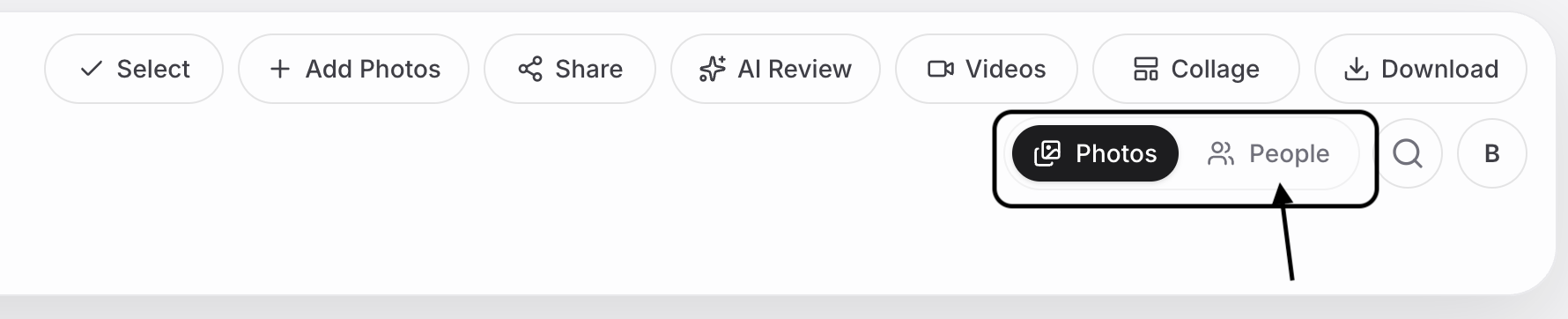
People and moment search
Search naturally, then use people filters to bring a guest, a group, or a shared moment into focus.
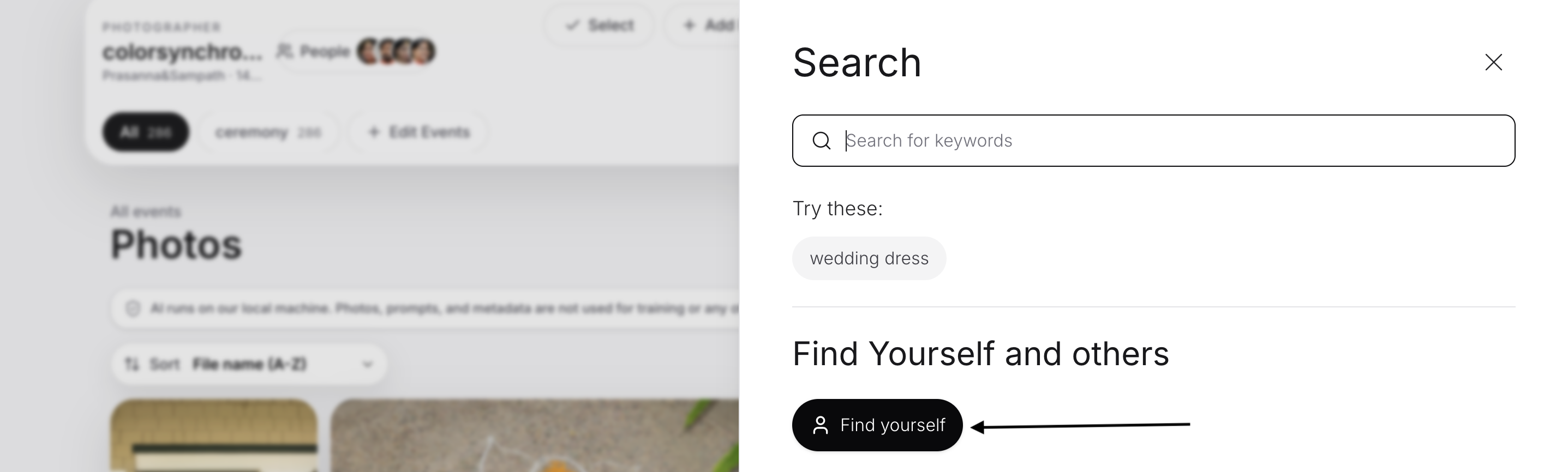
Find Yourself
A guest can submit a selfie to look for the photographs they appear in, with results shaped by completed album processing.
Review and finish
Faster judgment. Still your judgment.
Review with context
Let AI surface the questions. Keep the decisions.
Review likely problems, low-scoring frames, and duplicate groups with reasons alongside each suggestion. The photographer stays in control of the final selection.
Finish without overwriting
Build the look beside the original.
Preview LUT presets at adjustable intensity and apply them to one photograph or a selection as separate copies. Turn favorites into a collage, then export it as JPG or PNG.
08 · Private delivery
A gallery shaped for the people receiving it.
Design the room
Set the gallery layout, spacing, typography, background, and photo order with a live preview before the link leaves your desk.
Choose the boundaries
Add a passcode, watermark, expiration, person restrictions, and download controls. Create a full-gallery link or a more focused view for selected people.
Deliver the right files
When downloads are enabled, deliver all photographs or a chosen event, selection, or people-filtered set in original, JPEG, or PNG format.
Your next wedding, better held
Give every frame a place in the story.
Get started with a calmer path from shoot to client delivery.
Create your workspace